Listen to subtitles, news and books in your own language.
Vox Player reads subtitles, RSS news, web pages and books aloud on Android TV and phone. It can translate text with AI into 48+ languages, which also helps people with low vision and anyone who wants to rest their eyes.
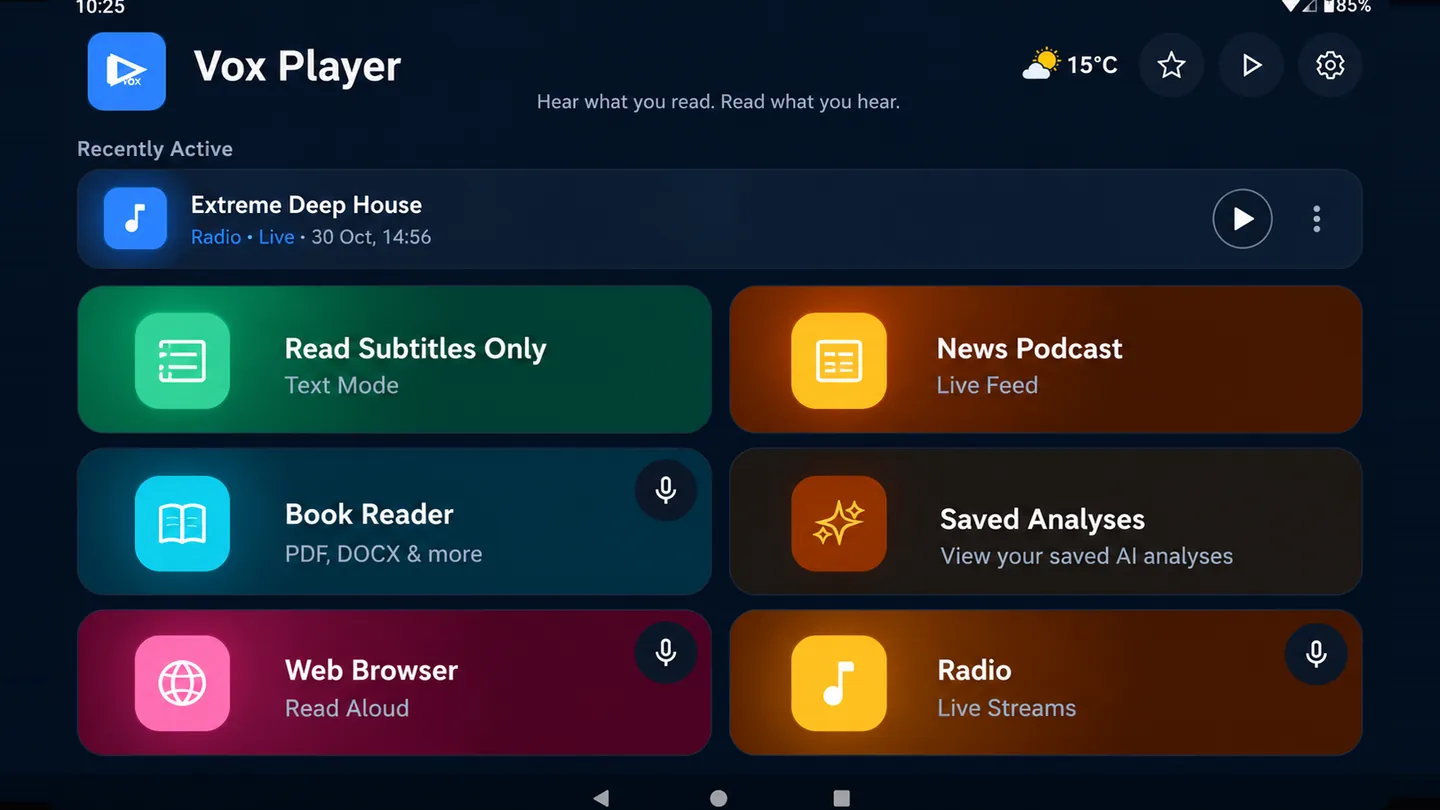
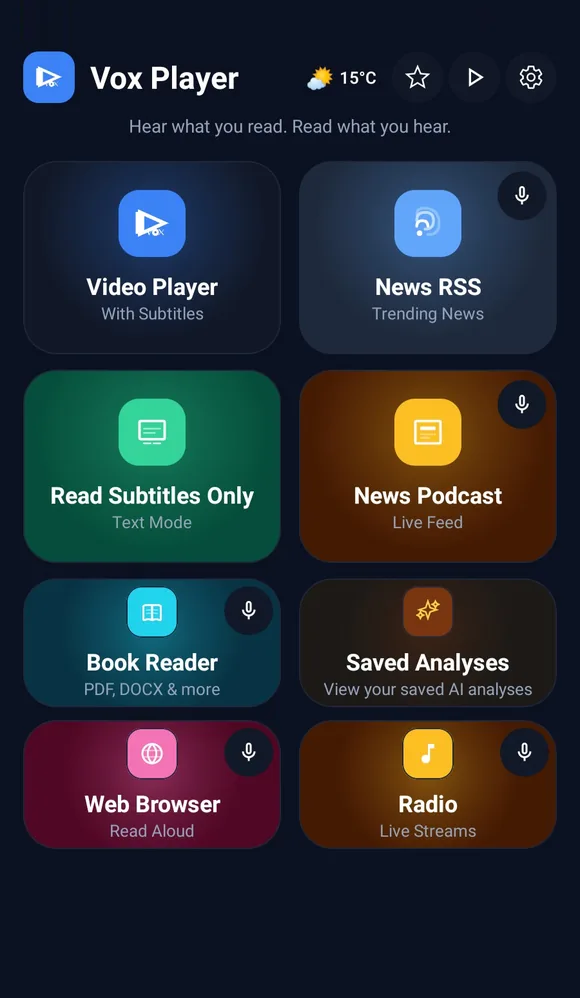
How Vox Player Works
Vox Player takes text from the places you already use, such as subtitle files, RSS feeds, web articles and books, optionally translates it with an AI model, and reads it aloud with a natural voice. The same features work with a remote control on Android TV and with touch on a phone, and playback continues in the background so you can look away from the screen. More about us →
Four Ways to Listen with Vox Player
Subtitle Narration
Hear subtitles read aloud in real time on Android TV and phone.
Explore 6 Features →RSS News Reader
Turn RSS feeds into audio news, with optional translation into your language.
Explore 6 Features →AI Web Reader
Read web articles without clutter, with voice playback and AI summaries.
Explore 6 Features →Book Reader
Listen to PDF, EPUB and DOCX files, with optional AI summaries.
Explore 6 Features →AI Tools
Connect an AI model of your choice to work with the text you are listening to:
- Summaries: short overviews of long text
- Simplification: explains complex wording in plain language
- Action items: pulls out tasks and next steps
- Analysis: answers questions about the content
Gemini
OpenAI
Mistral
Claude
Groq
Missing an AI model?
Contact us!
News Feeds in Many Languages
Tap a language to import news. If Vox Player is not installed, you will be redirected to Google Play.
Guides & Articles
In-depth reading on subtitles, news, radio, books and accessibility.
How Subtitle Narration Works on Android TV and Phone
From SRT and VTT files to synchronised speech, audio ducking and translation.
Read the guide → NewsTurn RSS Feeds into a Personal News Podcast
Find feeds, filter topics and follow the world's news in your own language.
Read the guide → RadioA Practical Guide to Listening to Internet Radio
How streams work, how to find stations and what to do when one will not play.
Read the guide → AccessibilityListening Instead of Reading
Text-to-speech for low vision and eye comfort, with realistic expectations.
Read the guide → BooksTurning EPUB and PDF Books into Audiobooks
Which formats work best and how to prepare a document for a good result.
Read the guide →Frequently Asked Questions
Is Vox Player free?
The app can be installed for free from Google Play. Some optional features rely on third-party AI or voice services that may have their own pricing or require your own API key.
Which devices are supported?
Android phones, tablets and Android TV devices.
Does it work offline?
Reading aloud with voices installed on the device can work without a connection. Translation, AI analysis and cloud voices need the internet.
Are the AI translations always correct?
No. Automated translation and summaries can contain mistakes, so please check anything important against the original source.
Where do the radio stations and news come from?
Radio stations come from the community-maintained Radio Browser directory and news from public RSS feeds. We do not host this content; it belongs to its publishers.
How do I report a problem or request a feature?
Use the contact page and tell us your device and what happened.